AutiLearn connects a child's learning, a parent's peace of mind, and a support partner's coaching — in one app, not three disconnected ones.
Built on real speech-language and occupational development principles, not just another flashcard app.
Who it's for
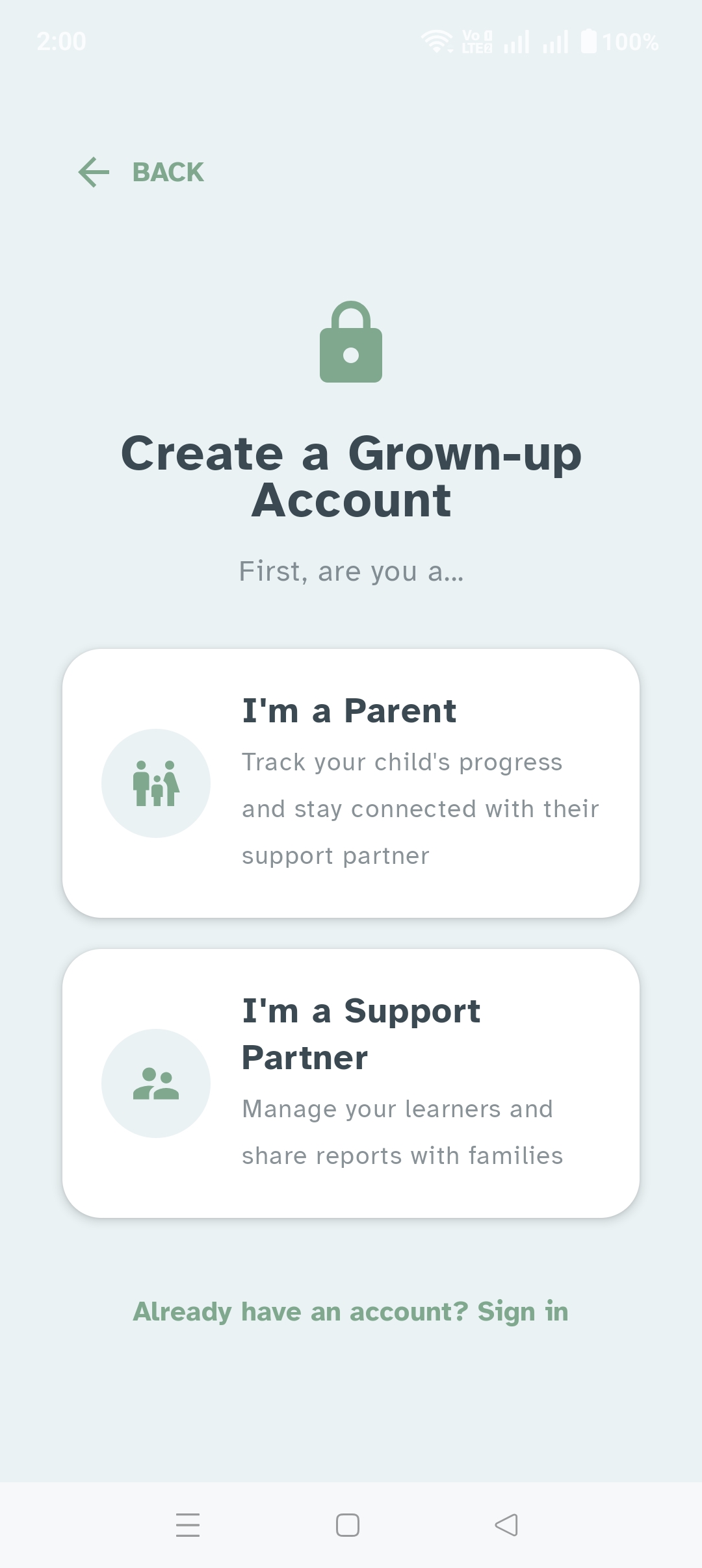
AutiLearn isn't one experience wearing three hats — it's three real ones, linked together.
Child
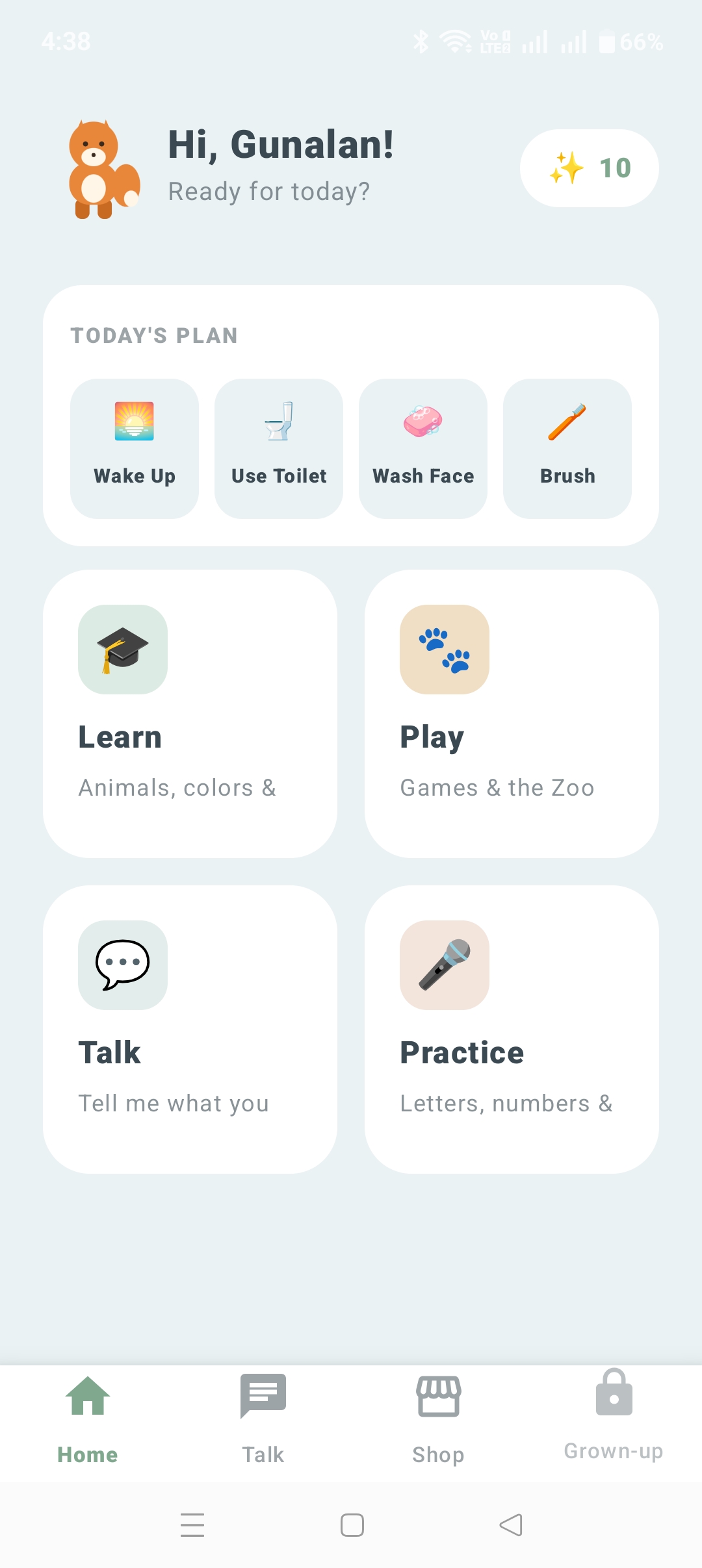
Opens straight into their world. No login, no menus to hunt through — just Learn, Play, Talk, and Practice, one tap away.
Parent
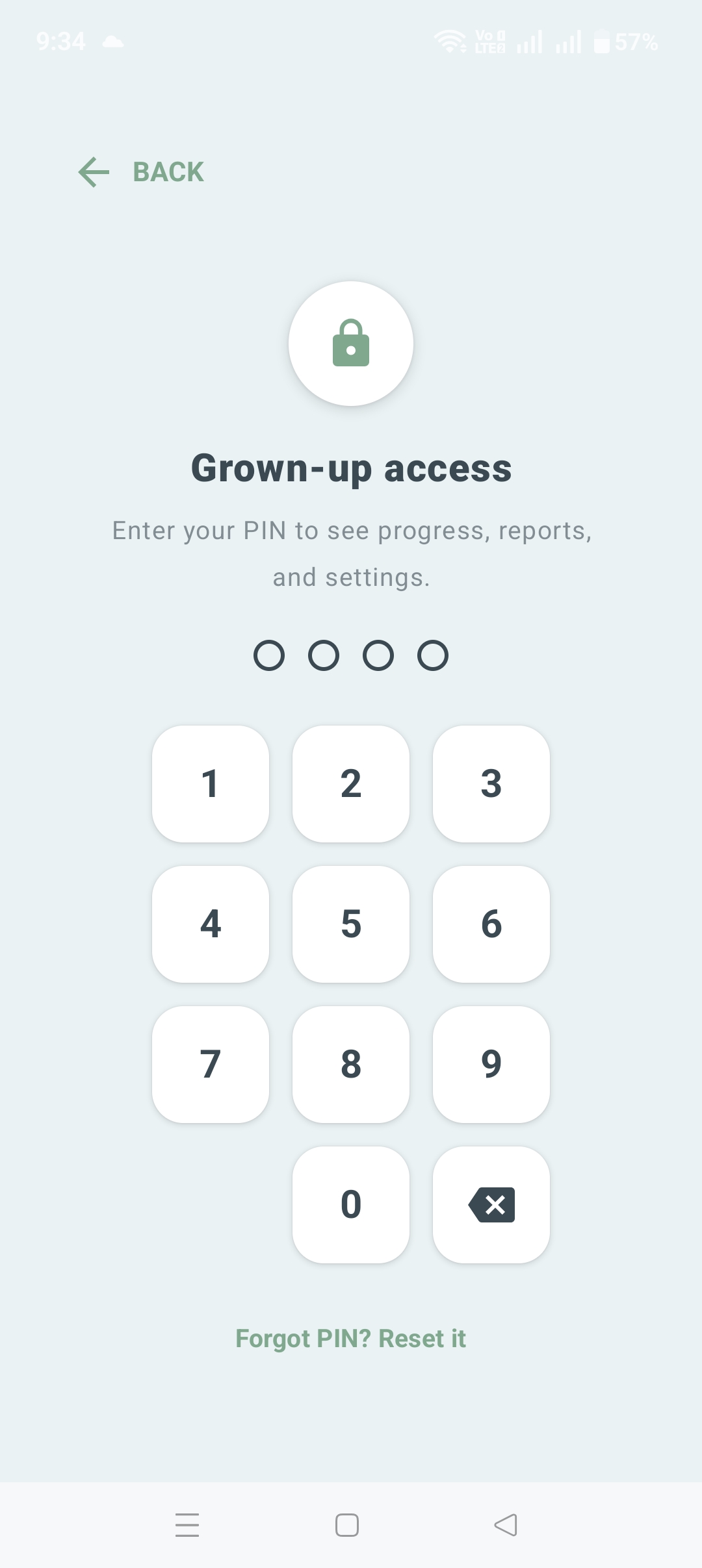
A quiet "Grown-up door" leads to real visibility: this week's progress, messages from their support partner, and the notes behind it all.
Support Partner
A real list of every linked learner — session notes, skill-node customization with practice photos and custom voice prompts, two-way messaging, and report export.
Inside AutiLearn
Four spaces built around how kids actually learn.
A Real AAC Board, Not Just Pictures
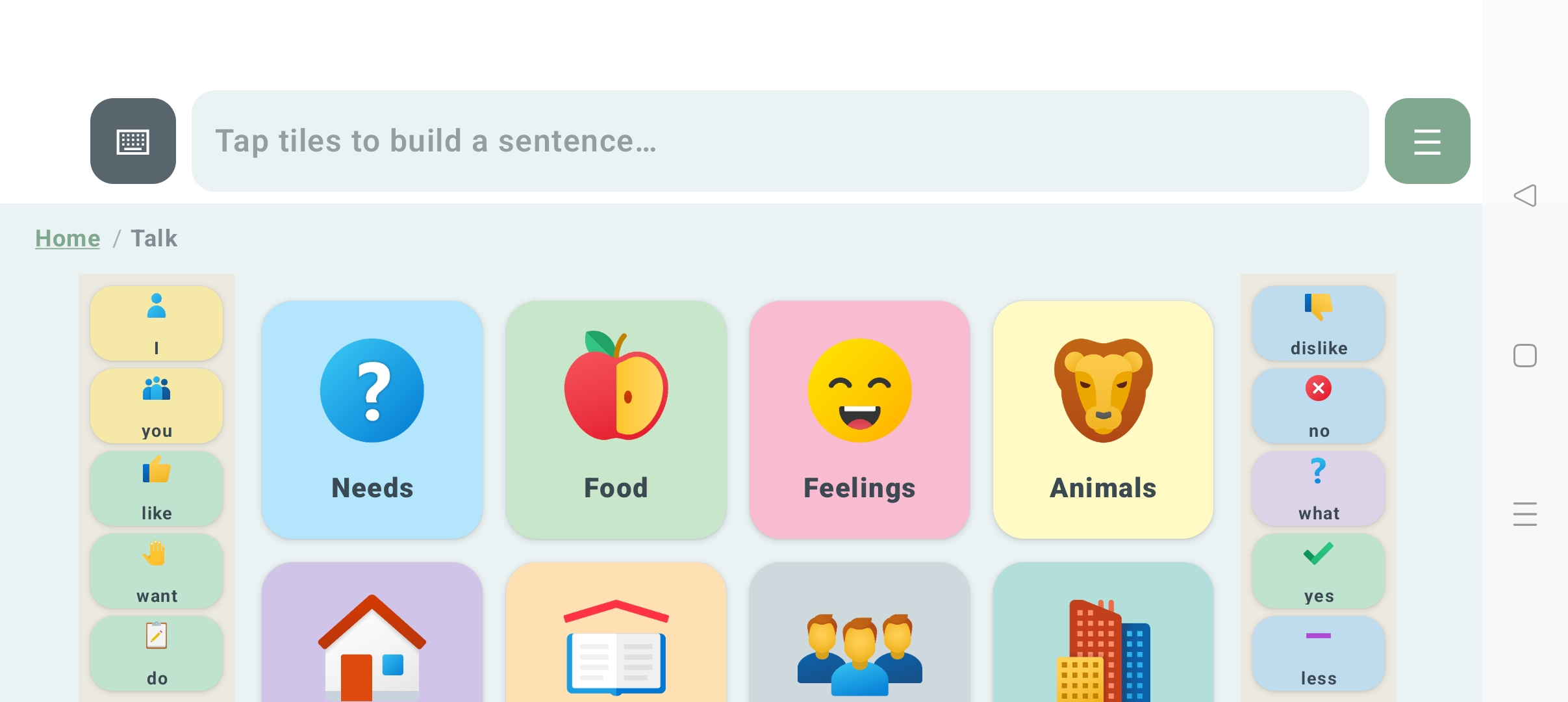
A persistent core-word rail — I, you, want, like, do, and more — stays one tap away on every screen, never buried in a folder. Word tiles follow Fitzgerald Key color coding: pronouns, verbs, prepositions, questions, and negation each carry a consistent color, the same convention used in professional AAC devices.
Breadcrumb navigation means a child, or the parent beside them, always knows exactly where they are, with a sentence-building strip and simple Play and Clear controls.
- Multi-language boards: English, Tamil, Hindi, Telugu, and more
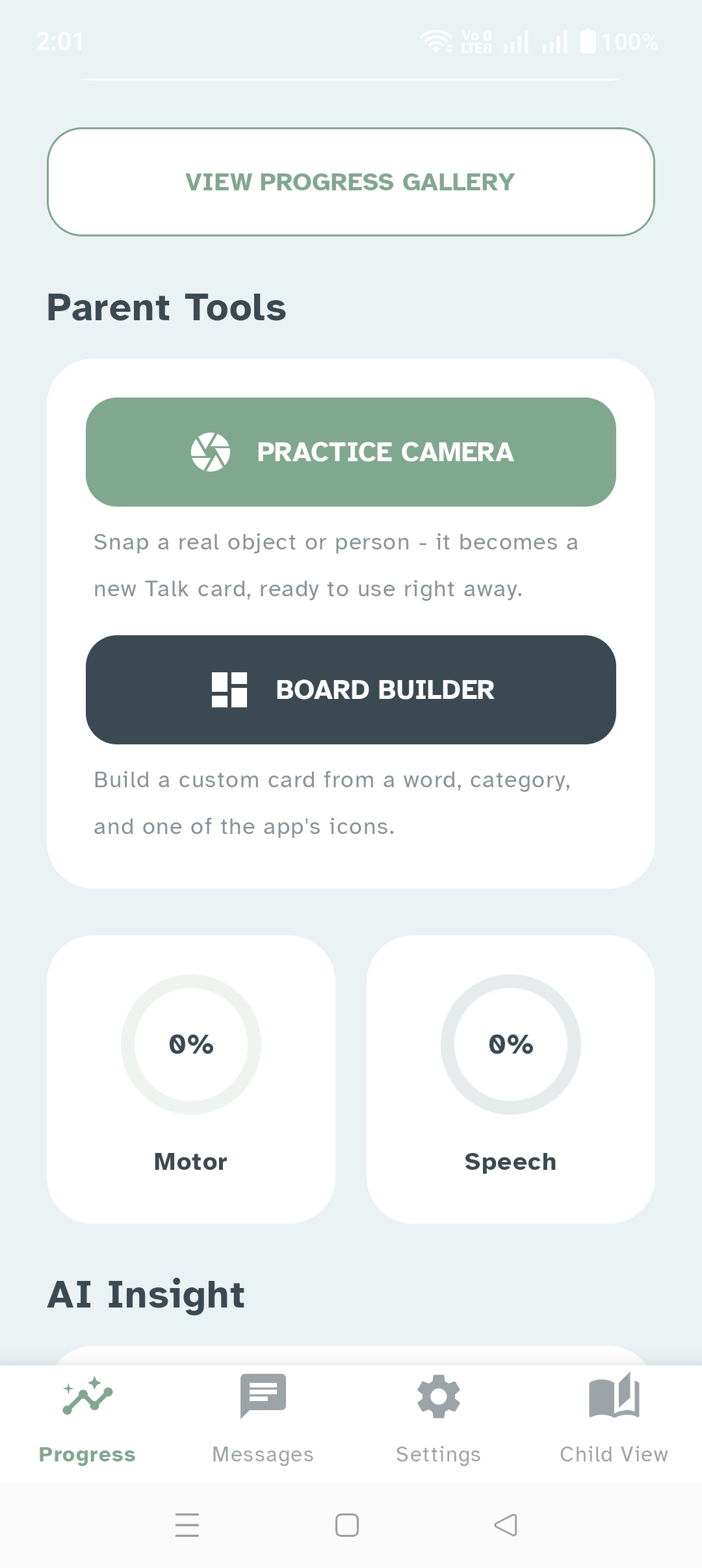
- Board Builder for custom cards from a word, category, and icon
- Practice Camera turns a real photo into a usable Talk card instantly
Going Deep, Not Wide
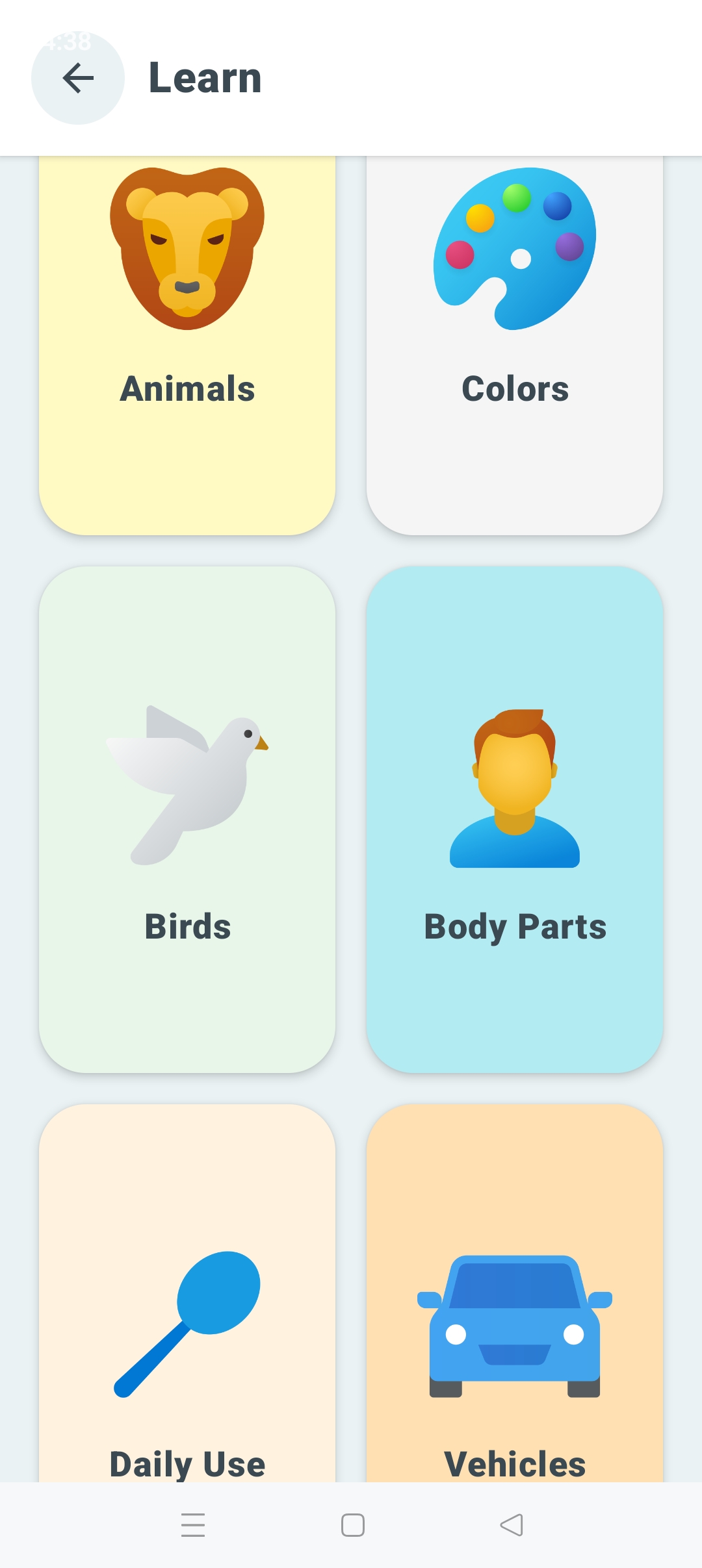
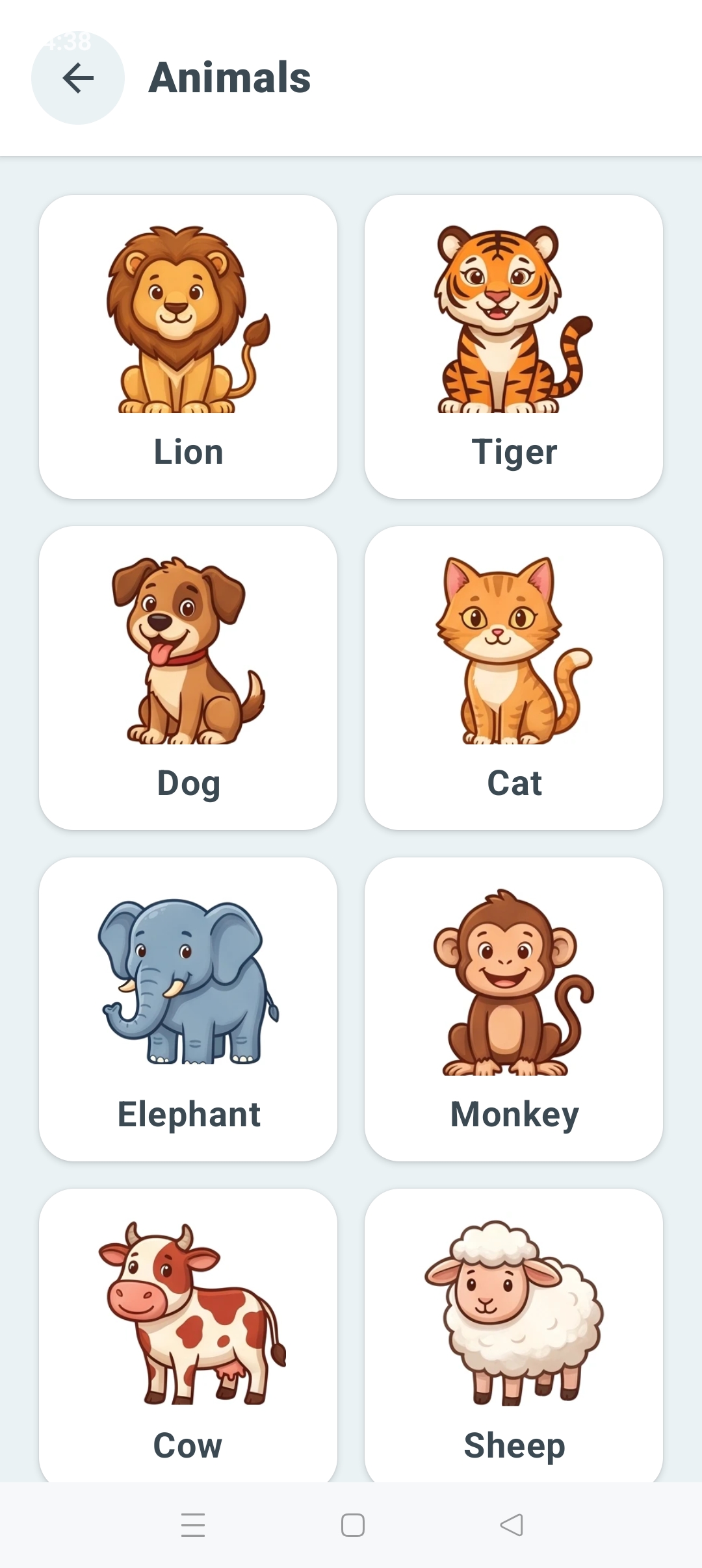
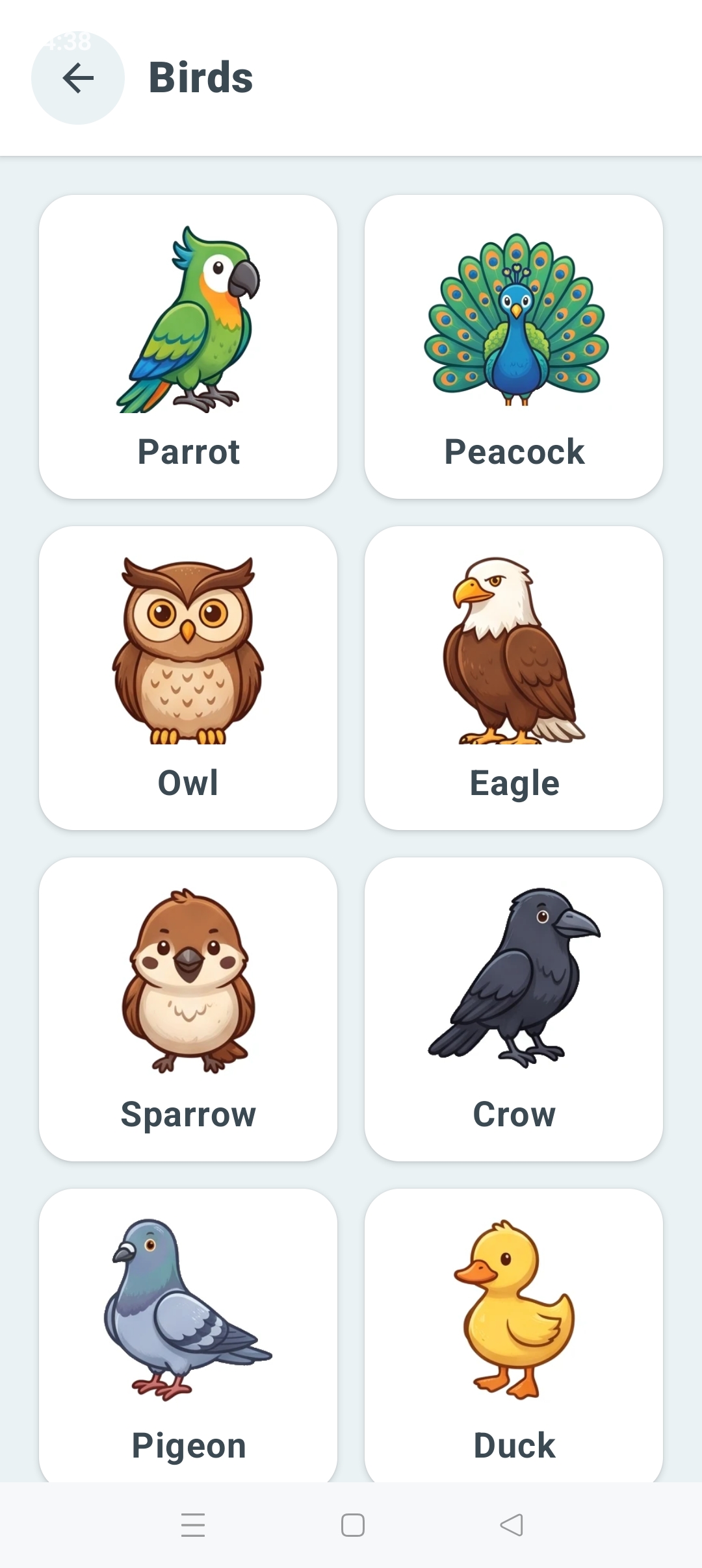
Learn is built around a small number of richly developed categories — Animals, Colors, Birds, Body Parts, Daily-Use Objects — rather than a shallow library of hundreds. Each one is meant to be explored, not skimmed.
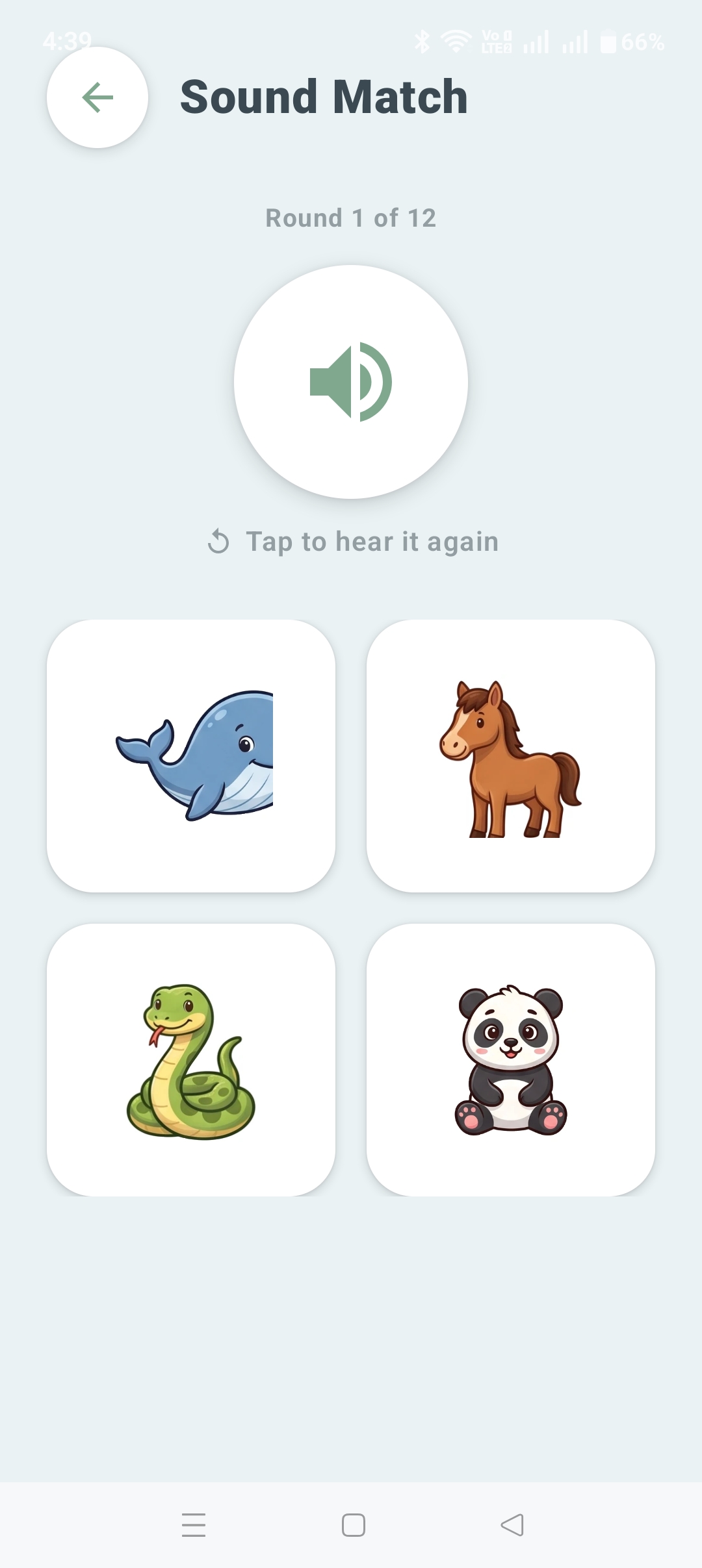
Animal cards are multi-sensory by design: real animal sounds instead of generic effects, spoken names, gentle character animation, and a small celebration moment the first time a child discovers a new one — engaging without tipping into overstimulation.
Real Games, Not One-Off Screens
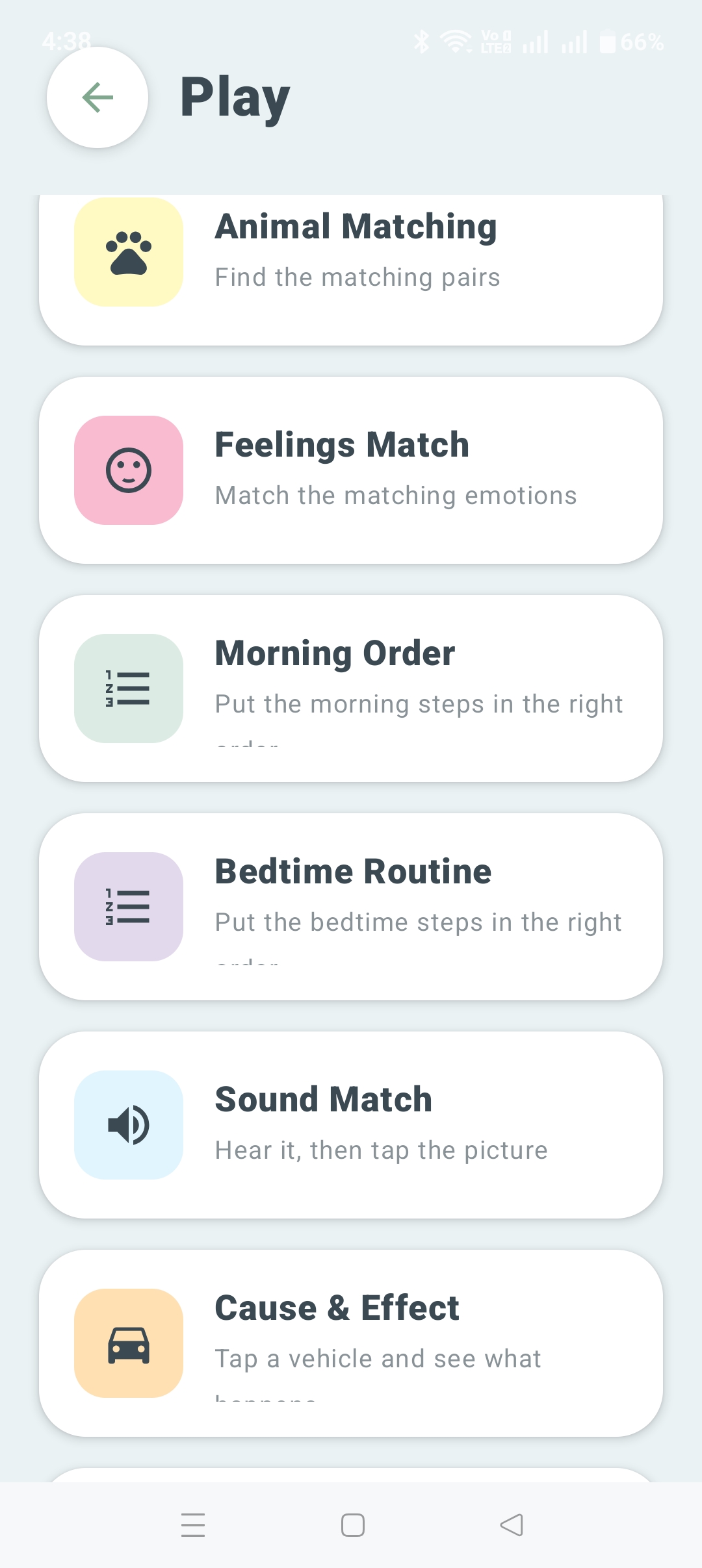
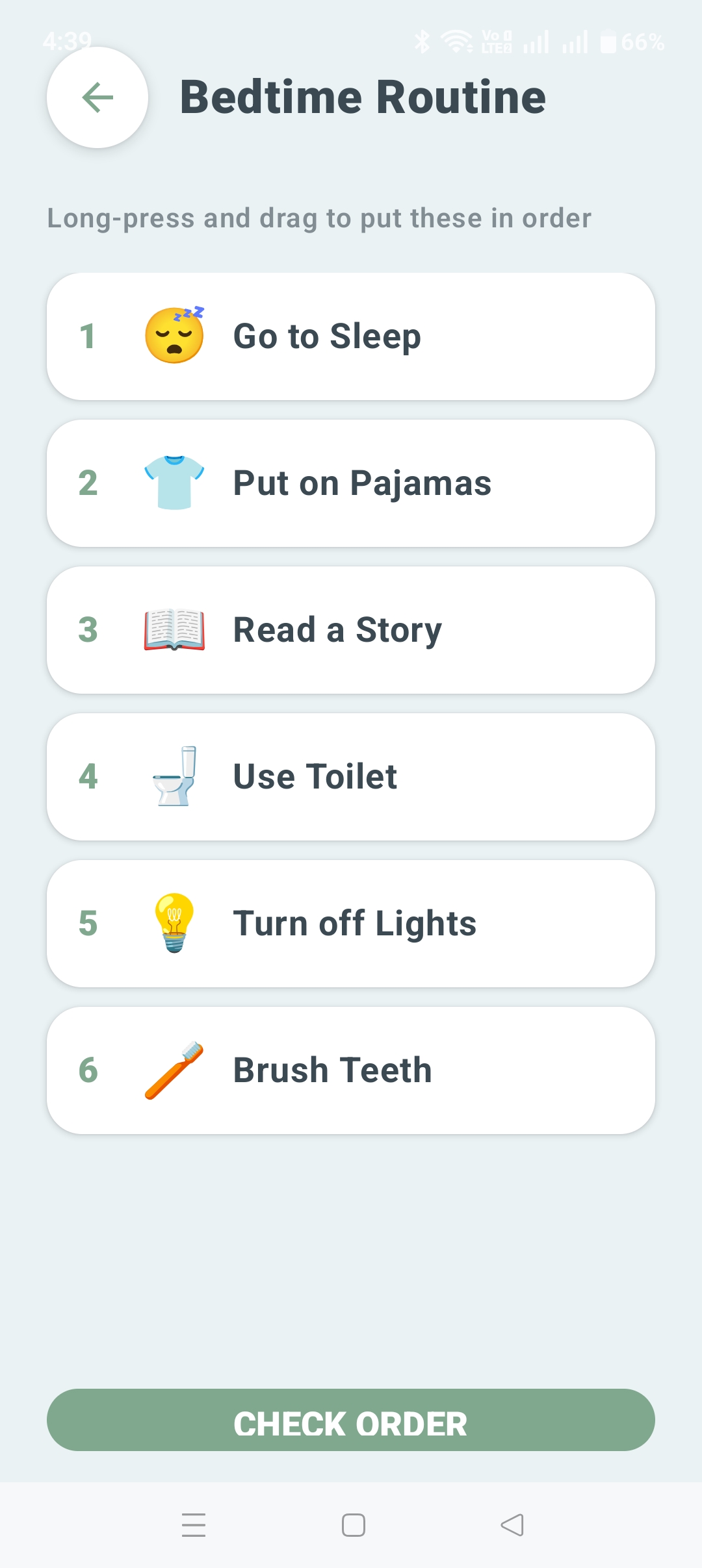
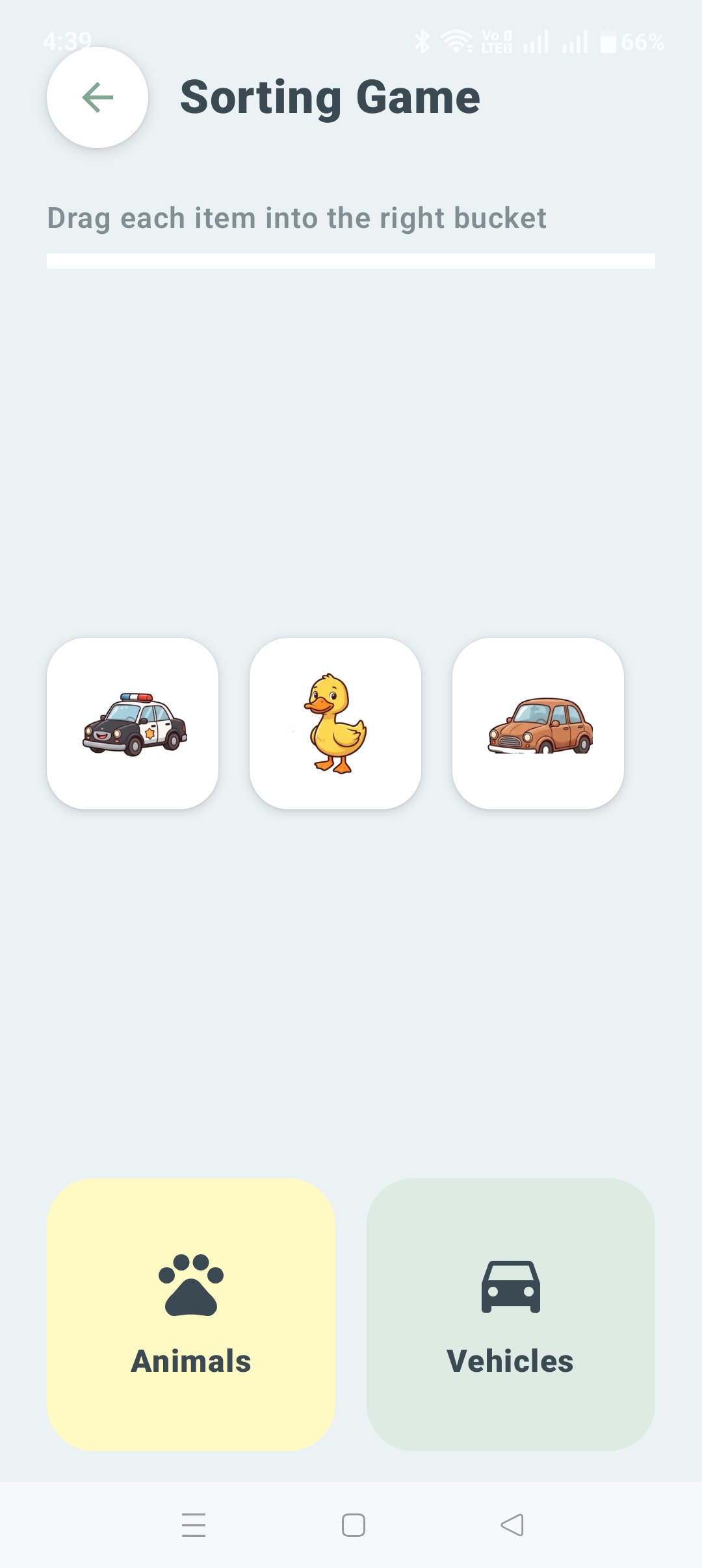
Animal Matching, Feelings Match, Morning Order, Bedtime Routine, Sound Match, and Cause & Effect all run on the same underlying game engine, so every round a child plays feeds the same progress tracking a parent and support partner can see.
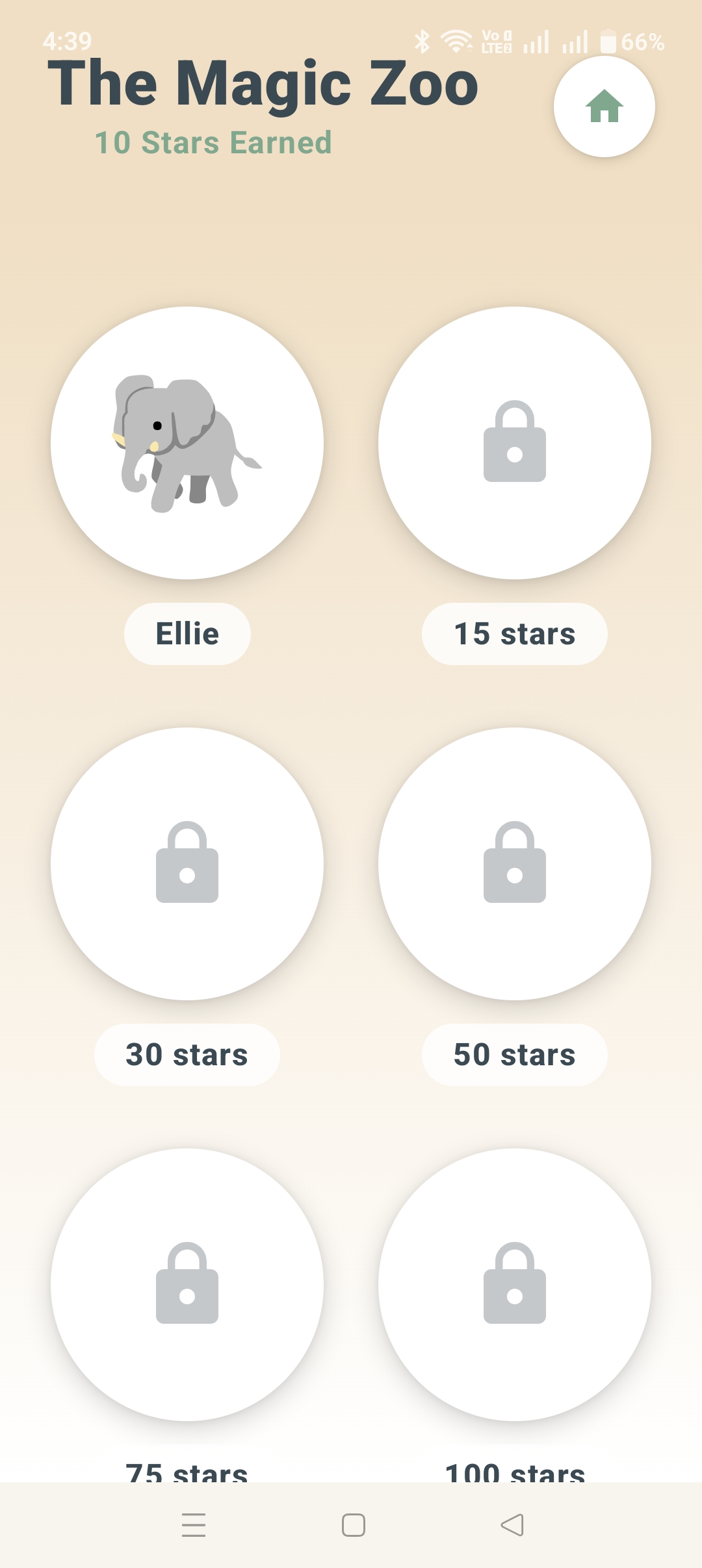
Progress is reinforced with a real reward loop: stars earned through play, spendable in Fox's Wardrobe or on unlocking new friends in My Magic Zoo.
Skill Building
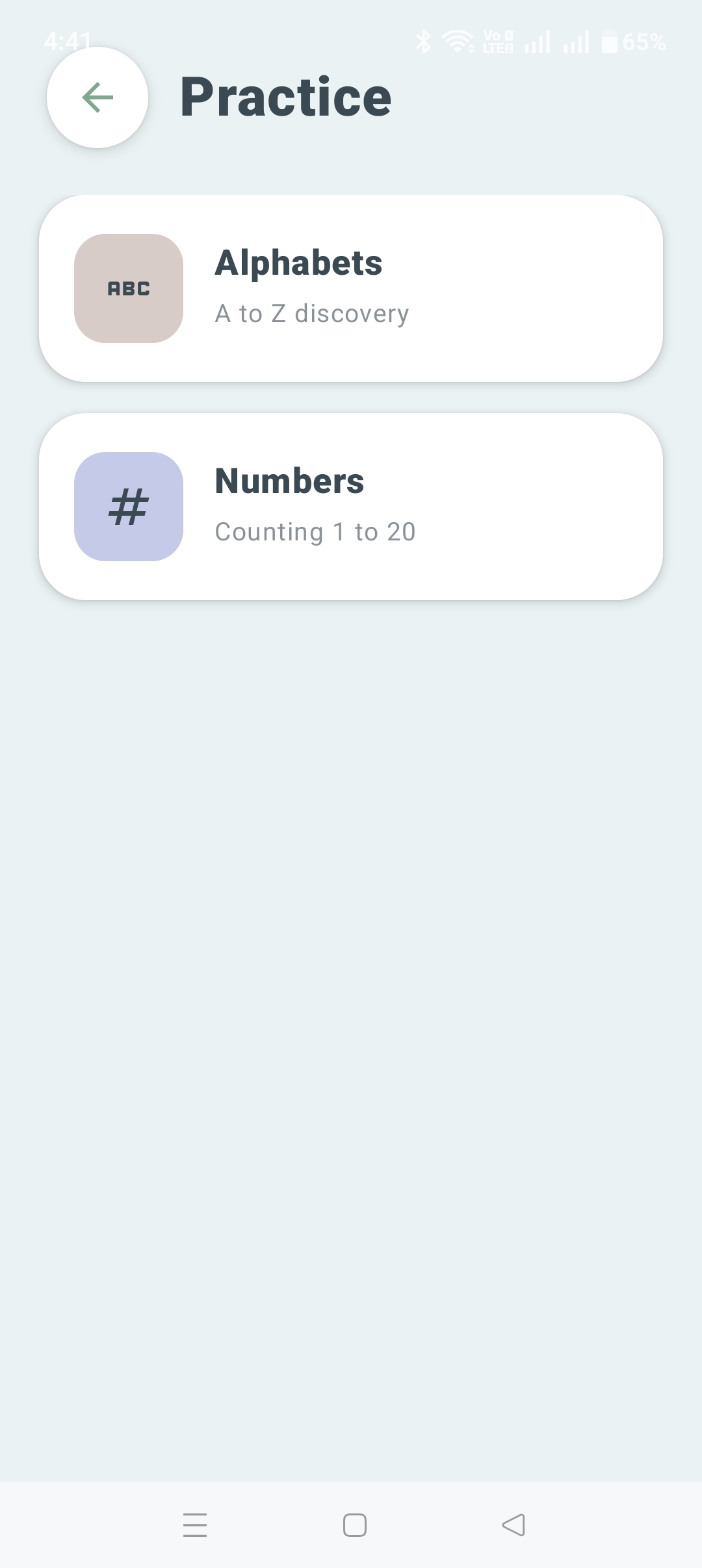
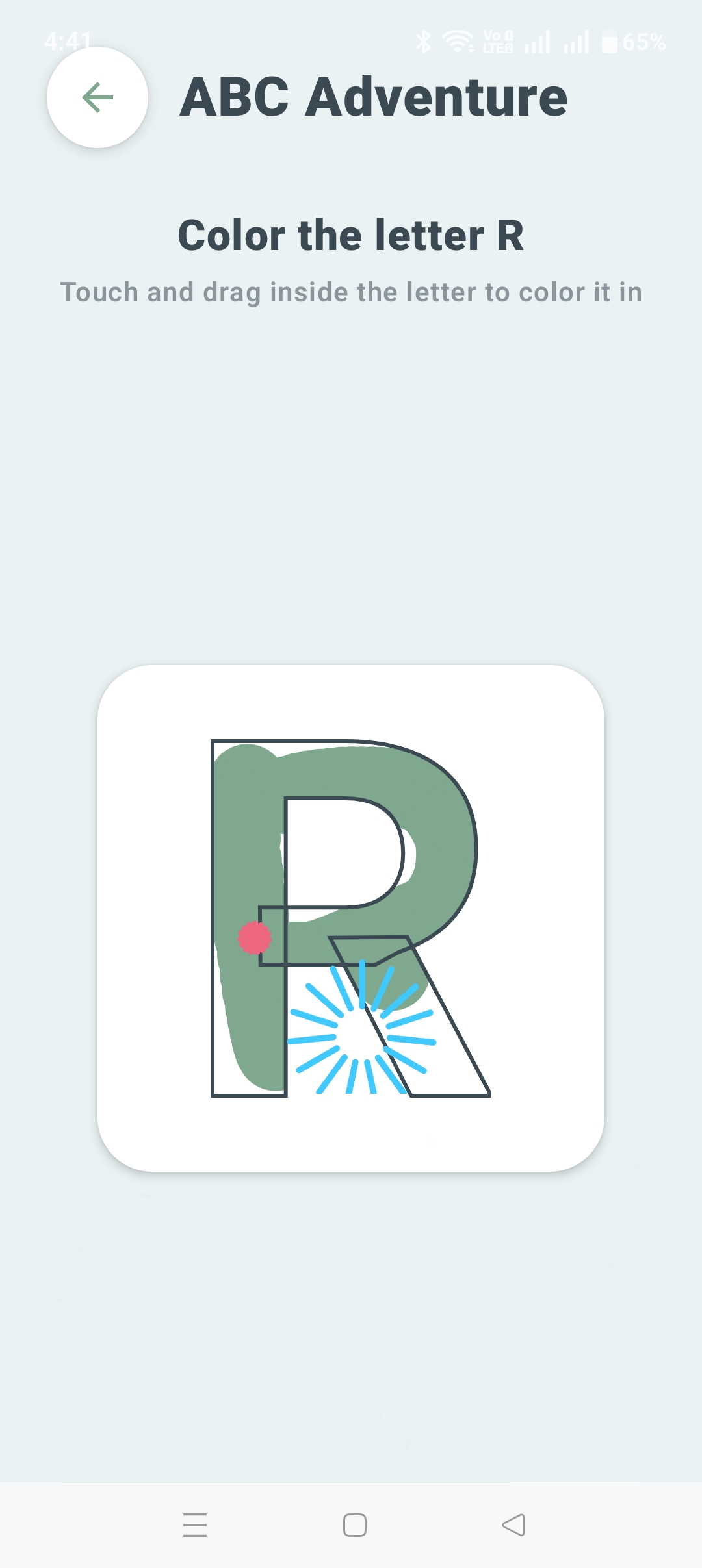
ABC Adventure makes letter tracing interactive, with real stroke-path guidance and a color-in completion state — not a tap-the-tile substitute for handwriting. Numbers practice, counting 1 to 20, rounds out the section.
For Parents — Real Visibility, Not a Black Box
The Grown-up door opens onto an honest picture of the week.
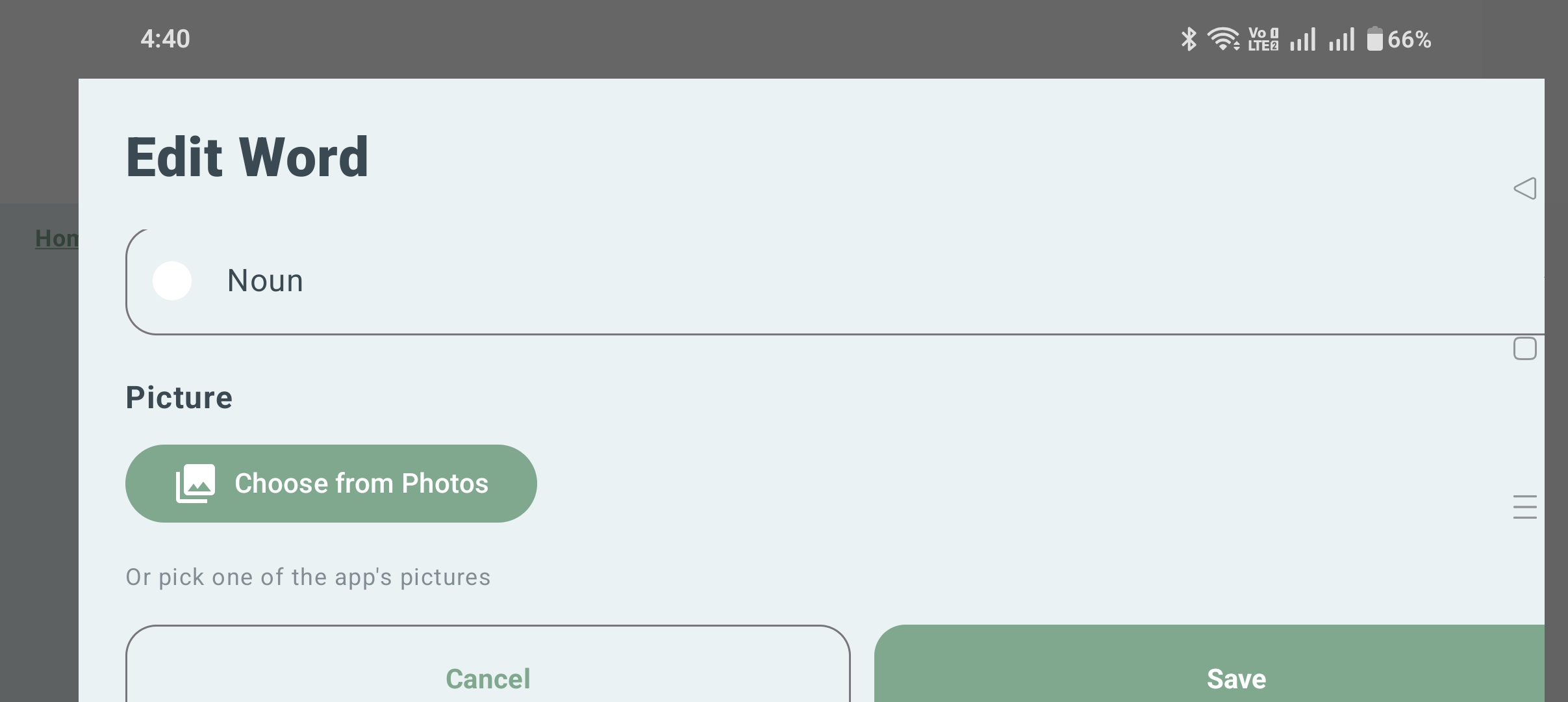
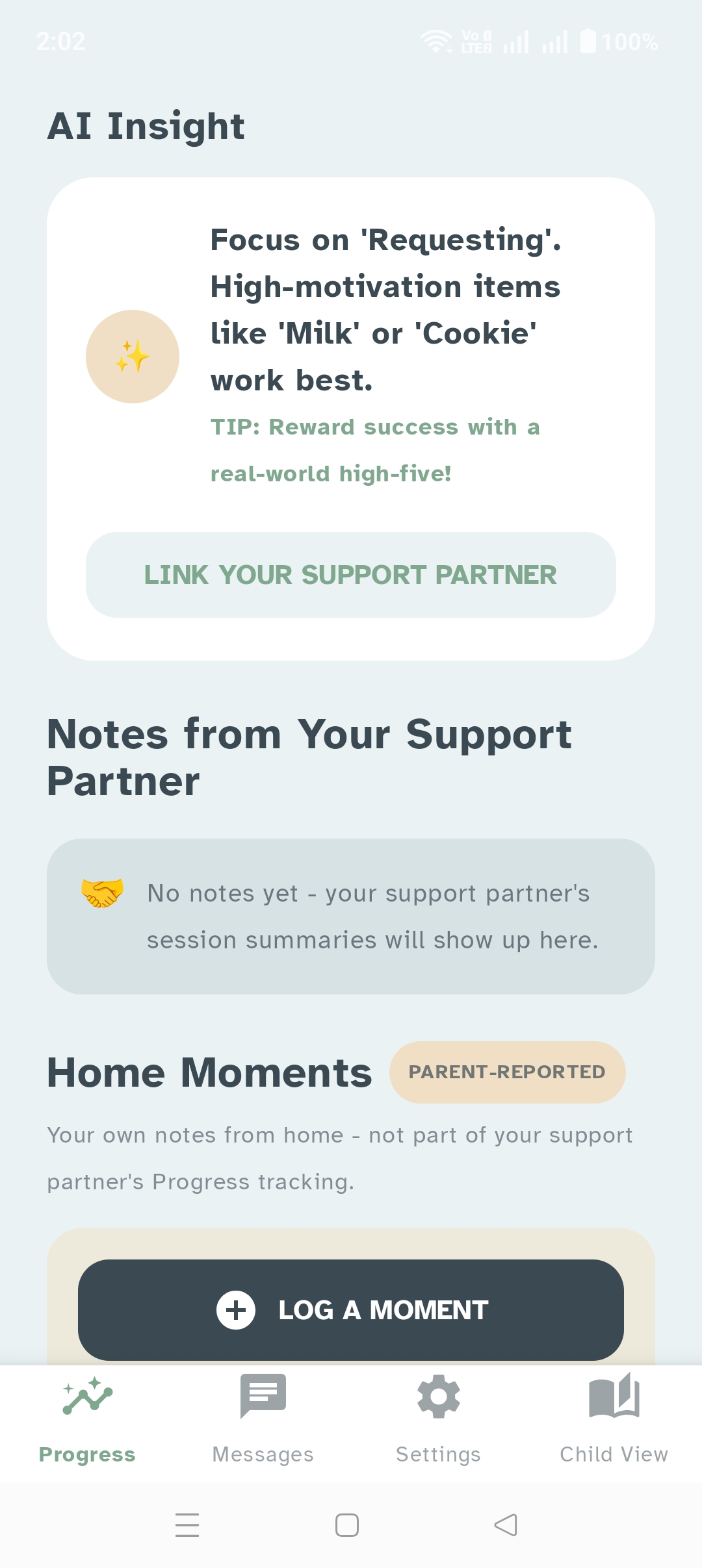
An independence trend, calculated from real activity — not a vanity metric. From there, message your child's linked support partner directly, review the notes and progress gallery behind each session, and export progress reports when you need to share them.
- Weekly independence trend
- Direct messaging with the linked support partner
- Session notes and a progress gallery from practice sessions
- Exportable progress reports
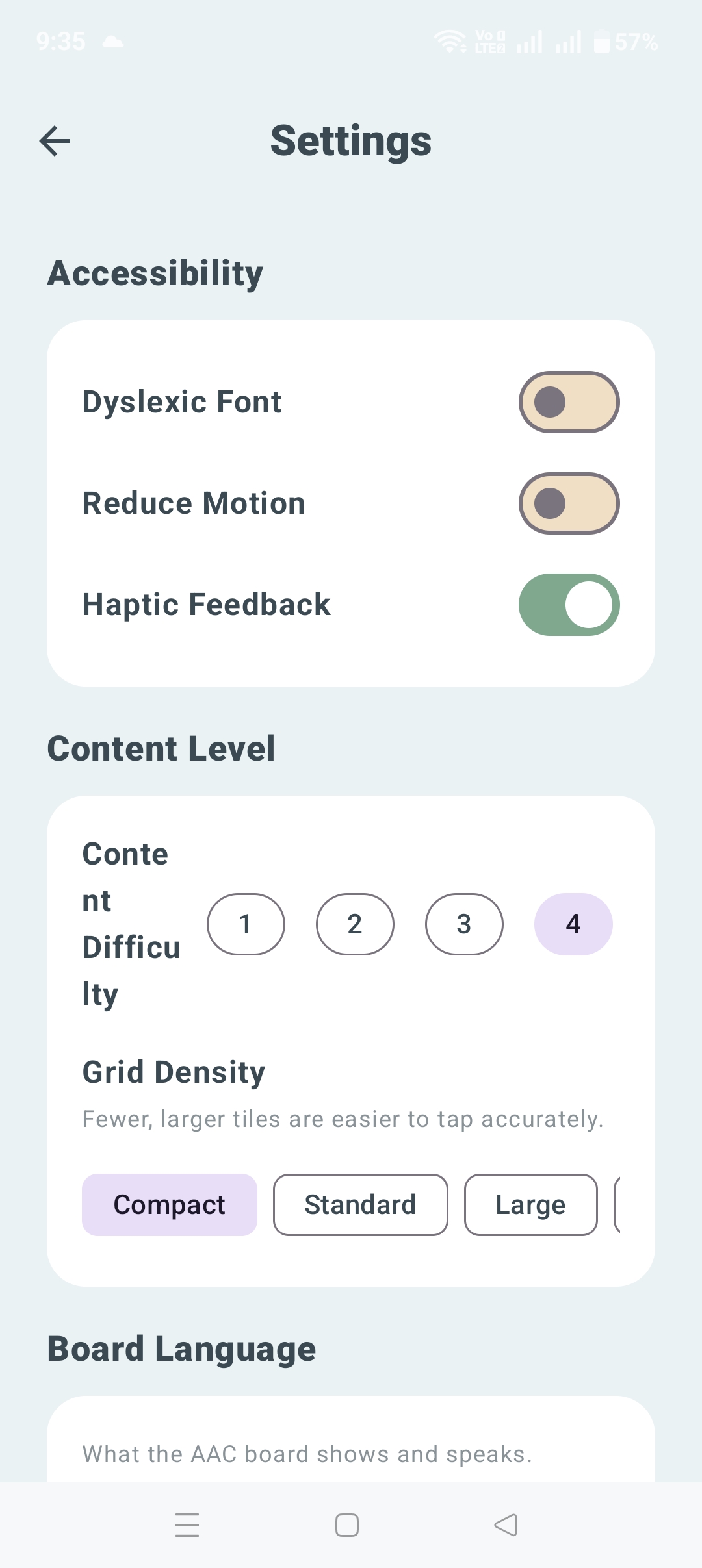
- Accessibility controls: dyslexic-friendly font, reduced motion, adjustable grid density, and board language
For Support Partners — Real Practice Tools, Built for the Job
A real list of learners, not a demo.
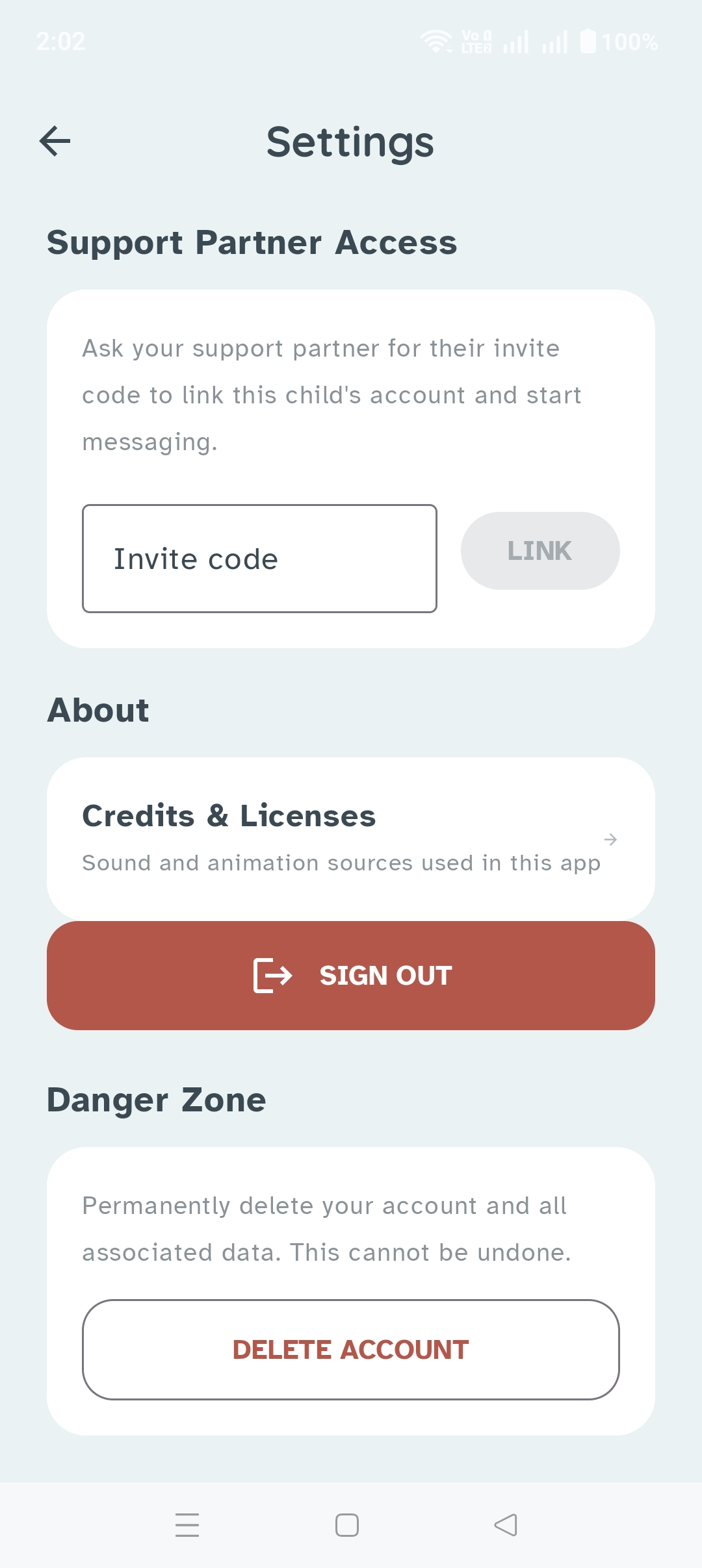
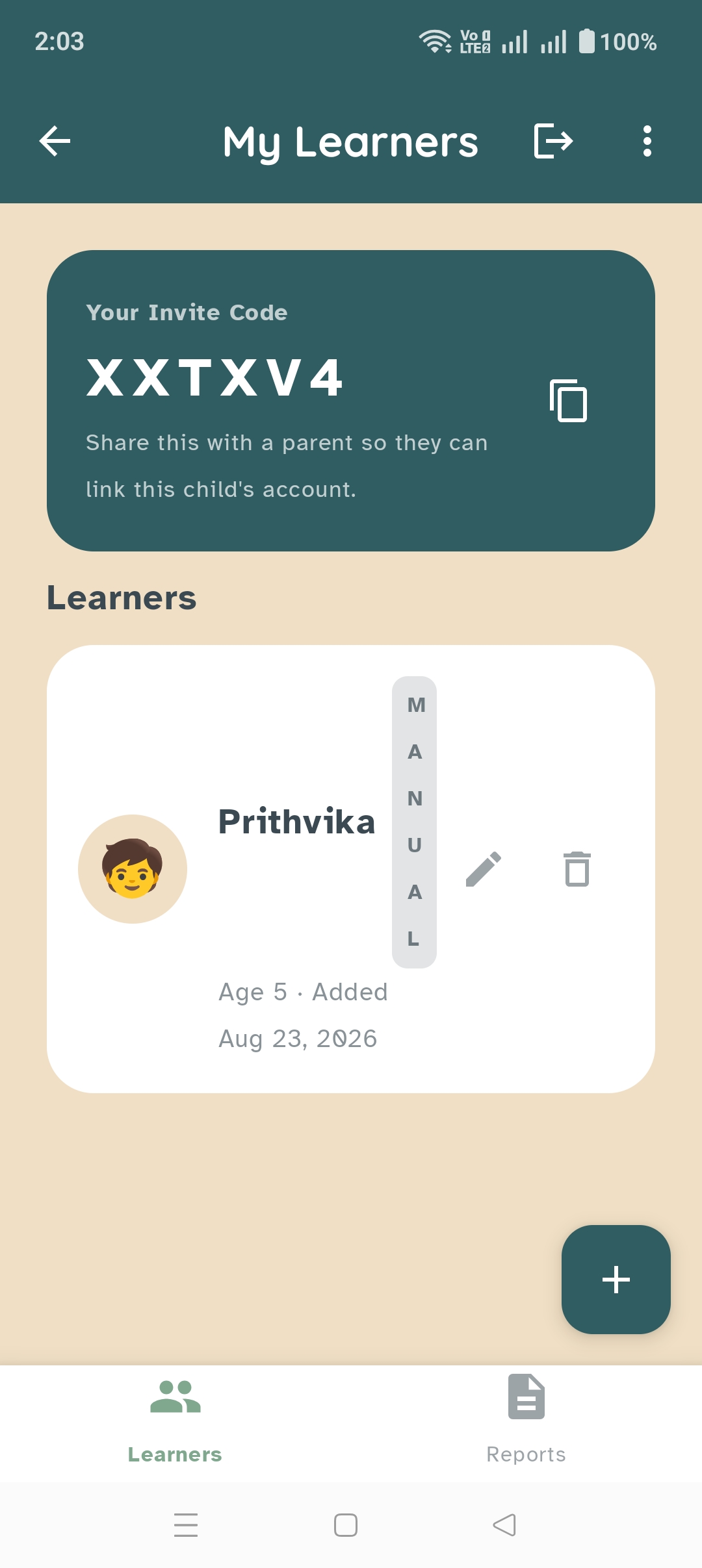
Manage every linked child through My Learners, with secure invite-code linking to bring a new child on board. Skill Node customization lets you attach a practice photo and a custom voice prompt to each goal — grounded in real speech-language and occupational practice for skill transfer.
- My Learners view across every linked family
- Secure invite-code linking
- Skill Node customization with practice photos and custom voice prompts
- Two-way messaging with linked parents
- Report generation in plain language
Built on a Real Design Philosophy
A few things we try to get right on every screen.
Predictability as accessibility
Navigation stays consistent, color always means the same thing, and the interface never rearranges itself out from under a child mid-task.
A calm, restrained palette
Not the oversaturated, over-animated default of most "kids' apps" — colors chosen to feel warm without overwhelming.
Accessibility-first typography
Built on Atkinson Hyperlegible, a typeface designed to reduce letter confusion — the same font used across this site.
Secure Sign-In
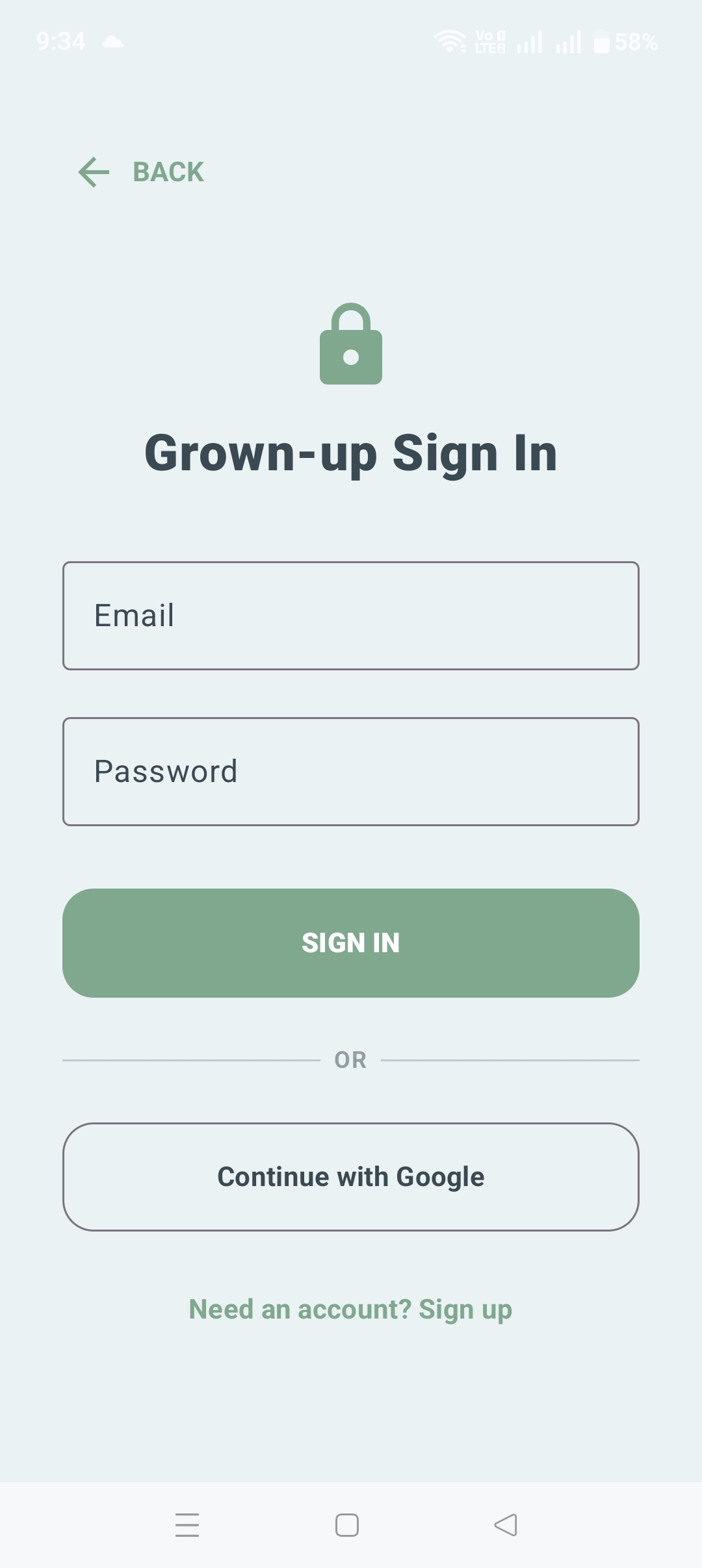
Parents and support partners can sign in with Google or a standard email and password — straightforward account access, without adding friction to the parts of the app built for a child.